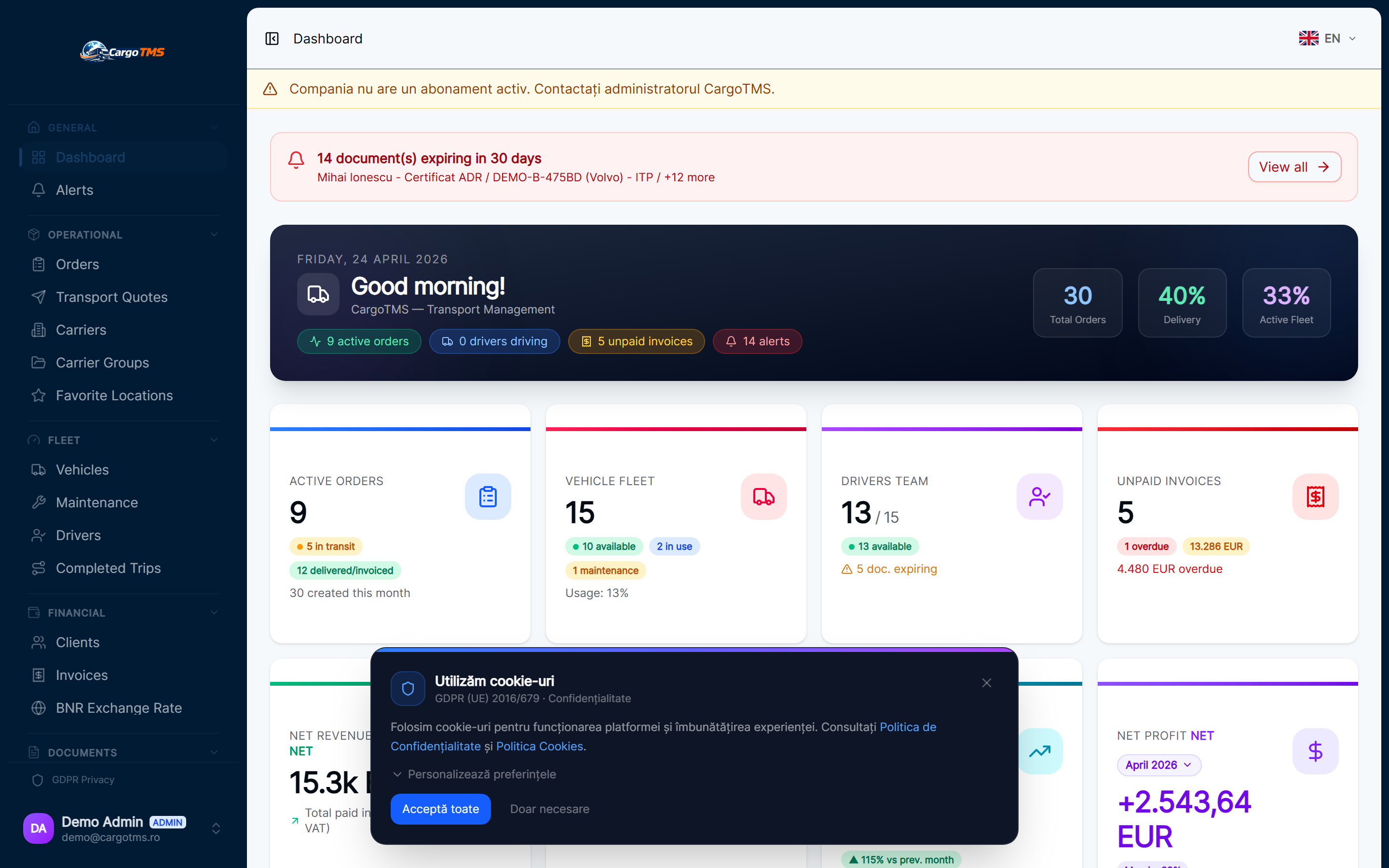
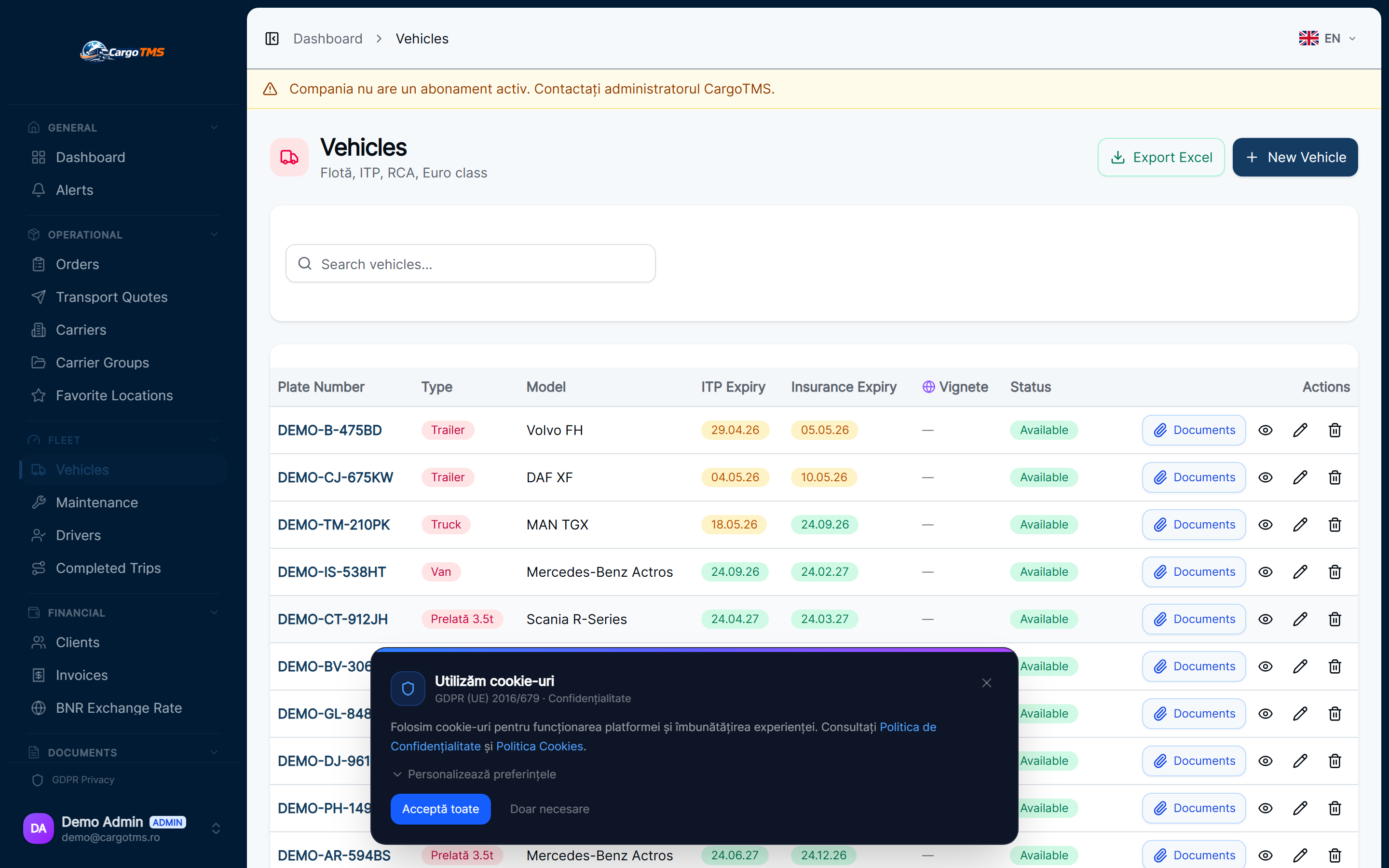
Operations Center: One View for the Entire Active Fleet
Active orders, driver status, SLA alerts, and dispatch actions in a single real-time view — replacing the multi-tab workflow that slows down transport management.
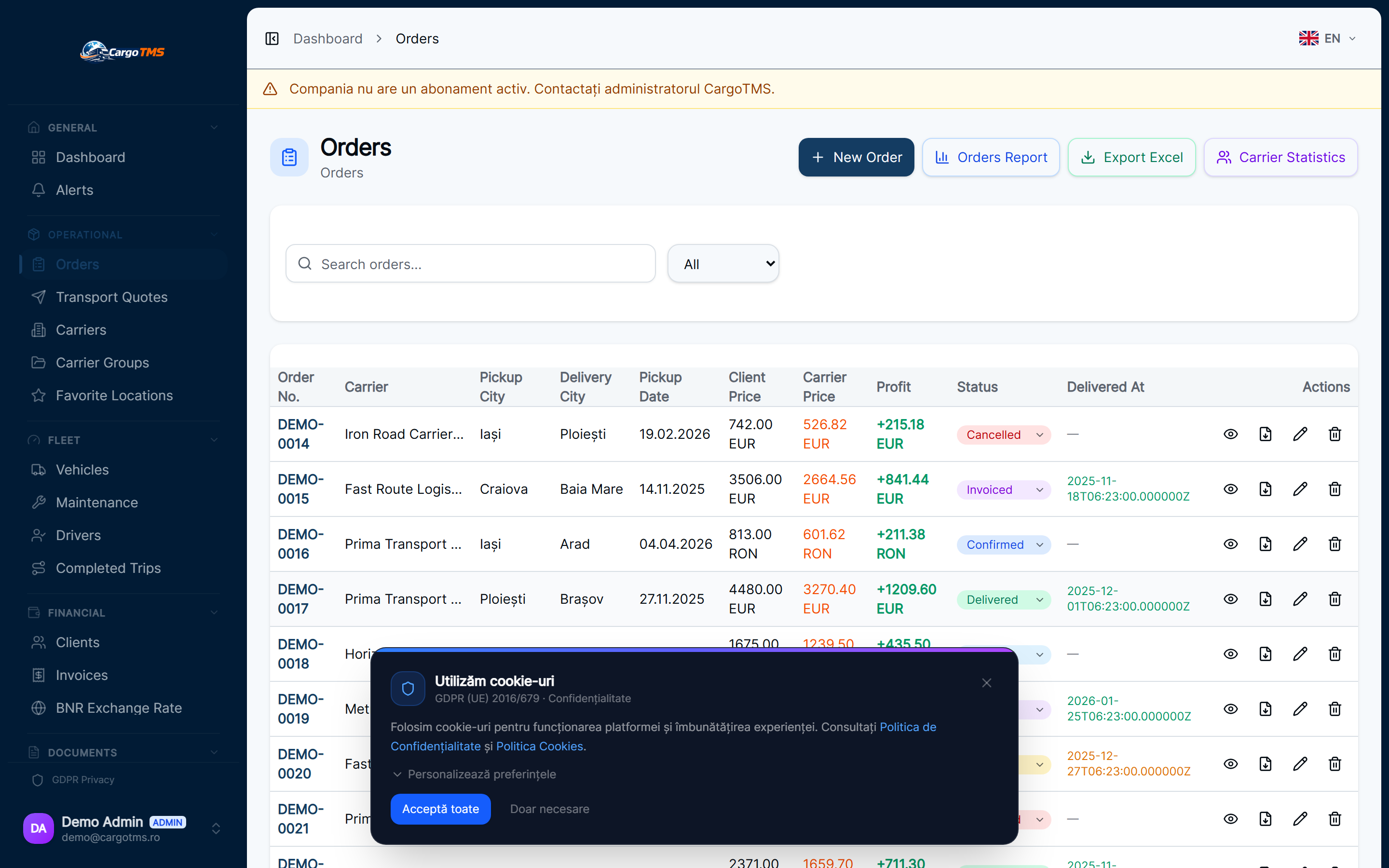
Modules updated:
dispatch-management
order-management
executed-trips
Managing a transport fleet in motion has always required switching between views: active orders in one screen, driver assignments in another, SLA alerts in a third, and incoming calls filling the gaps. The Operations Center eliminates this fragmentation. It is a purpose-built real-time view that puts every active operational variable in front of the dispatcher without navigation — built specifically for how transport operations actually work.
✅ What Changed
- Single real-time view of all active orders with current status, assigned driver, and vehicle.
- Dispatch tab: assign drivers to orders, record loading events, and confirm departures from one interface.
- Live SLA status for all active orders — alerts visible inline without navigating to a separate report.
- Driver status overview: which drivers are available, active, or delayed — updated as drivers use the Driver Portal.
- Quick order actions available directly from the Operations Center without opening individual order records.
- Tab-based navigation between dispatch, fleet active view, and completed-today summary.
The Operations Center is built for the dispatcher who manages 20–50 active shipments per day. Every decision point — assignment, departure confirmation, SLA alert — is now accessible without switching screens.
Explore the feature:
See full feature details →
Want to see these features in action?
Request a free personalised demo. We'll walk you through the exact workflows relevant to your transport operations.
🚀 Request Free DemoNo commitment · No card required · Response within 24h