✅ Executed Trips

Every Completed Trip — Fully Settled, Fully Visible

After delivery, the trip record closes with all expenses, CMR documents, invoice status and final profit. Nothing is left open, nothing is forgotten.

Complete
Trip cost record
Linked
Invoice & CMR
Real profit
Per trip
✅ Executed Trips

Every Completed Trip — Fully Settled, Fully Visible

After delivery, the trip record closes with all expenses, CMR documents, invoice status and final profit. Nothing is left open, nothing is forgotten.

Complete Trip Settlement Record

Each executed trip closes with all expenses recorded: fuel, tolls, driver advances, overnight stays and other costs. The final profit per trip is calculated automatically.

Invoice Visibility Inside the Trip

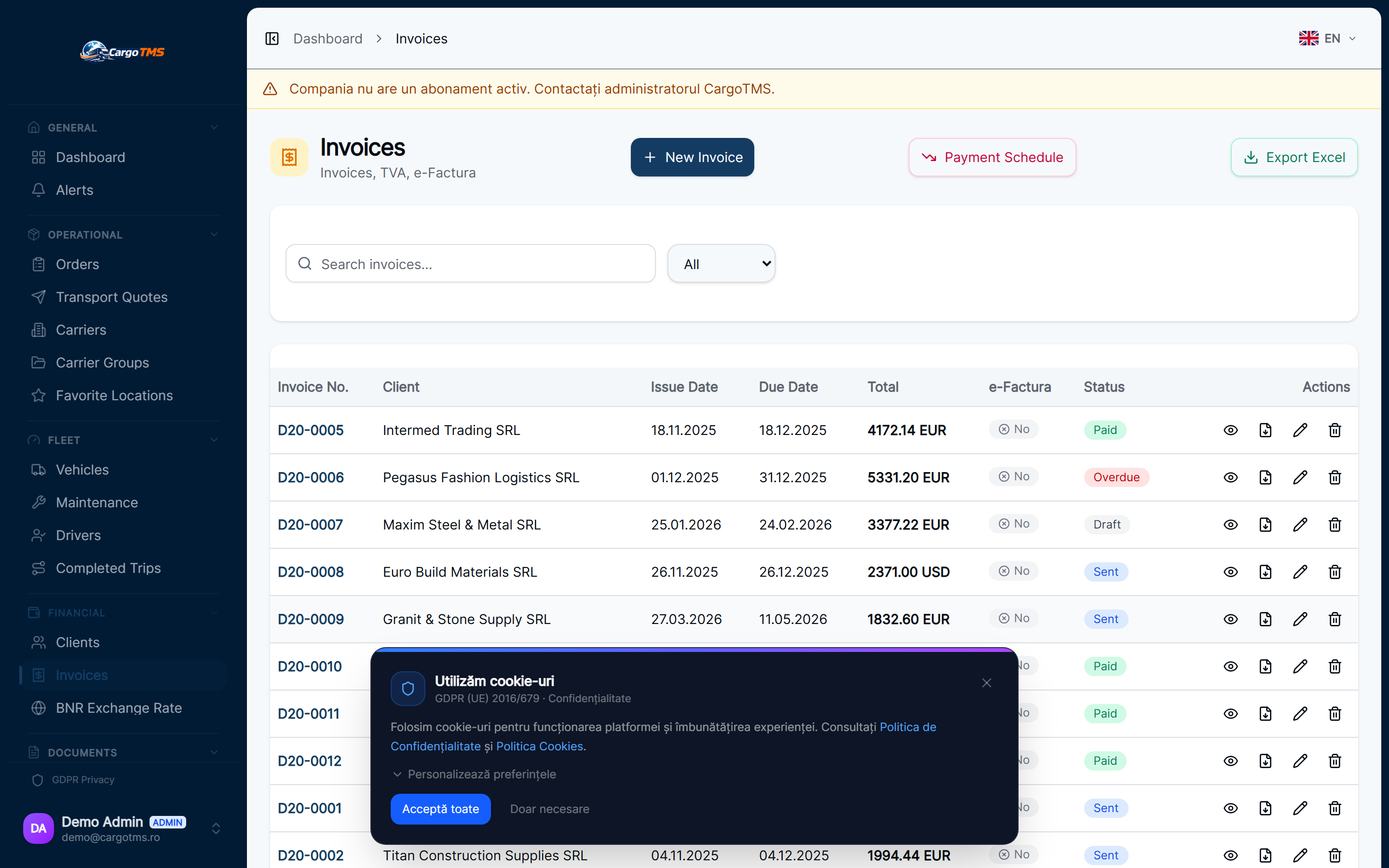
See the linked invoice and payment status directly inside the trip record. Dispatchers and managers know exactly which trips are invoiced, which are paid, and which are outstanding.

CMR Document Archive per Trip

The signed CMR uploaded by the driver is stored directly under the trip. Finding the delivery proof for any trip takes seconds — searchable by date, client or driver.

Fuel Cost Integration

Fuel logged during the trip is automatically included in the trip cost. Total fuel spend, cost per km, and anomalies — all visible inside the executed trip record.

Driver Settlement Visibility

Per-trip view of driver advances, expenses owed and daily allowances. Accounting has full visibility without separate spreadsheets or manual reconciliation.

Trip Profitability Analysis

Revenue from the transport order minus all trip costs gives you the real profit margin per trip. Identify which routes, clients and drivers generate the best margins.
How it works

Every Completed Trip — Fully Settled, Fully Visible

01

Driver completes the delivery

The driver confirms delivery and uploads the signed CMR from the driver portal. The trip status changes to completed automatically.

02

Expenses are reconciled

Fuel, tolls, driver advances and other trip costs are reviewed and confirmed. Any discrepancies are flagged for manager approval.

03

Invoice status checked

The trip record shows the linked invoice — issued, payment status, and any open amounts. The financial loop closes inside the same view.

04

Profit per trip calculated

Revenue minus all confirmed trip costs gives the final margin. This feeds into the transport intelligence dashboard for route and client analysis.

Click to enlarge

Executed Trips

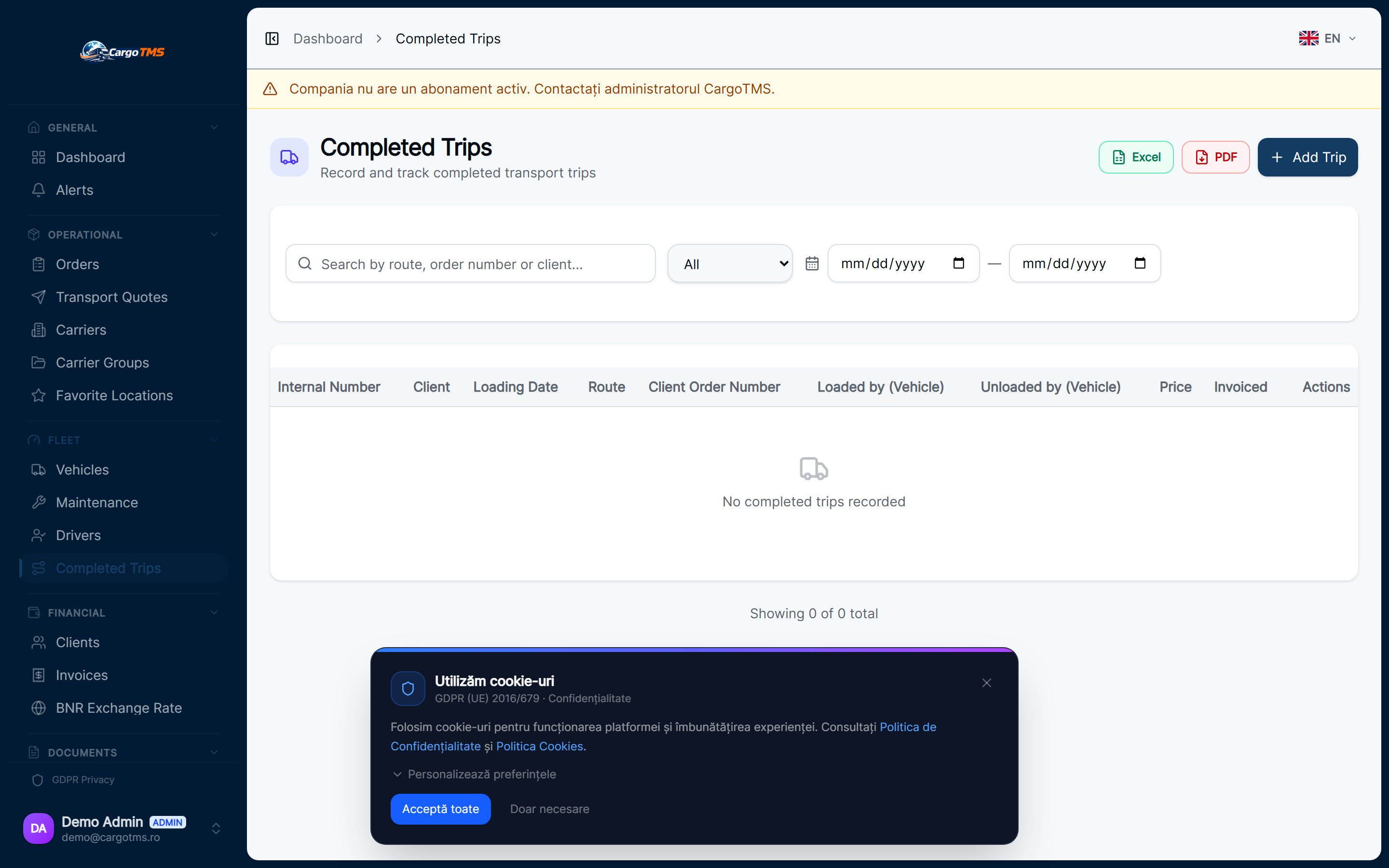
CargoTMS — Executed trips list showing completed journeys with expenses, CMR and invoice status
Executed trips — complete settlement record with costs, documents and invoice visibility
CargoTMS — Executed trips list showing completed journeys with expenses, CMR and invoice status — detaliu
✅ Executed Trips

Every Completed Trip — Fully Settled, Fully Visible

After delivery, the trip record closes with all expenses, CMR documents, invoice status and final profit. Nothing is left open, nothing is forgotten.

🚀 Request Free Demo
FAQ

Frequently Asked Questions

What expenses are tracked per executed trip?
Fuel costs, road tolls, parking, driver advances, daily allowances, overnight stays and other custom expenses. Each cost type is recorded separately and totalled automatically.
Is the invoice linked directly to the executed trip?
Yes. The invoice generated for a transport order is visible directly inside the executed trip record — including payment status. You see at a glance if the trip is fully settled financially.
Can I compare profit across multiple trips?
Yes. The transport intelligence module aggregates trip profitability across any date range, client, route or driver. The executed trips view gives the per-trip detail; the analytics give the aggregate view.
How does the CMR document appear in the trip record?
When the driver uploads the CMR via the driver portal, it is automatically attached to the trip record. It appears as a downloadable attachment visible to dispatch, accounting and the client portal.

See it in action

Request a free personalised demo. We'll walk you through the platform with your specific use case.

🚀 Request Free Demo 💳 View Pricing

No commitment · No card required · Response within 24h

Related Modules

💰 Invoice Visibility 📱 Driver Portal ⛽ Fuel Management