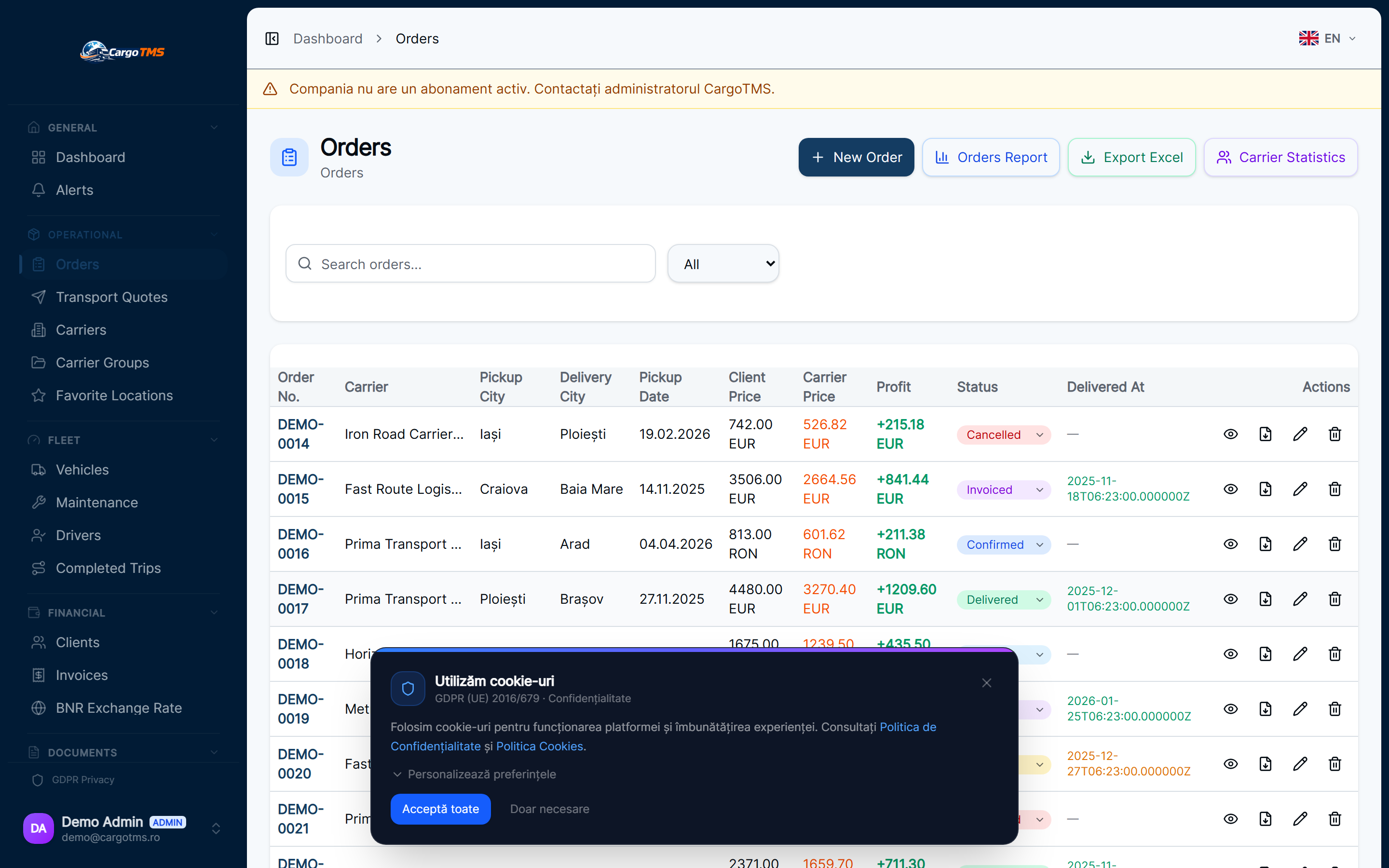
Load Planner: Structured Freight Management for Every Order
Define freight units, build load plans, assign to vehicles, and generate load documentation — replacing verbal briefings with structured, reusable load records.
Modules updated:
order-management
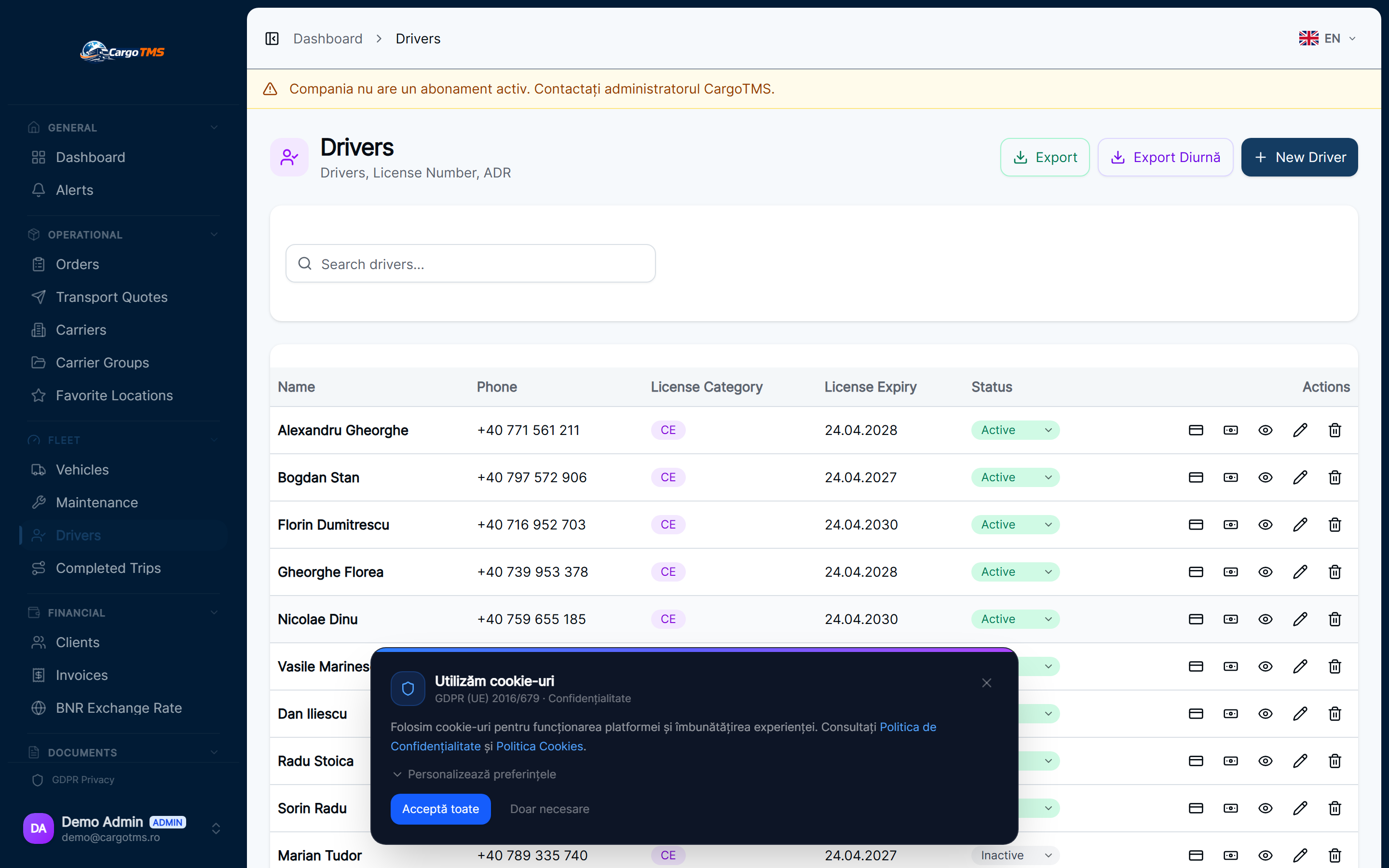
fleet-management
In most transport companies, load information travels verbally: the dispatcher tells the driver what is being loaded, and the driver writes the highlights on paper. When something is missing at the loading dock, or the client queries the CMR details later, there is no structured record to reference. The Load Planner introduces freight unit management as a first-class concept in CargoTMS — making every load visible, structured, and documented from order creation.
✅ What Changed
- Freight unit records: define cargo with type, quantity, weight, dimensions, and special requirements per order.
- Load plan templates: create reusable load configurations for regular routes or recurring cargo types.
- Multi-stop load assignment: distribute freight units across loading and unloading stops independently.
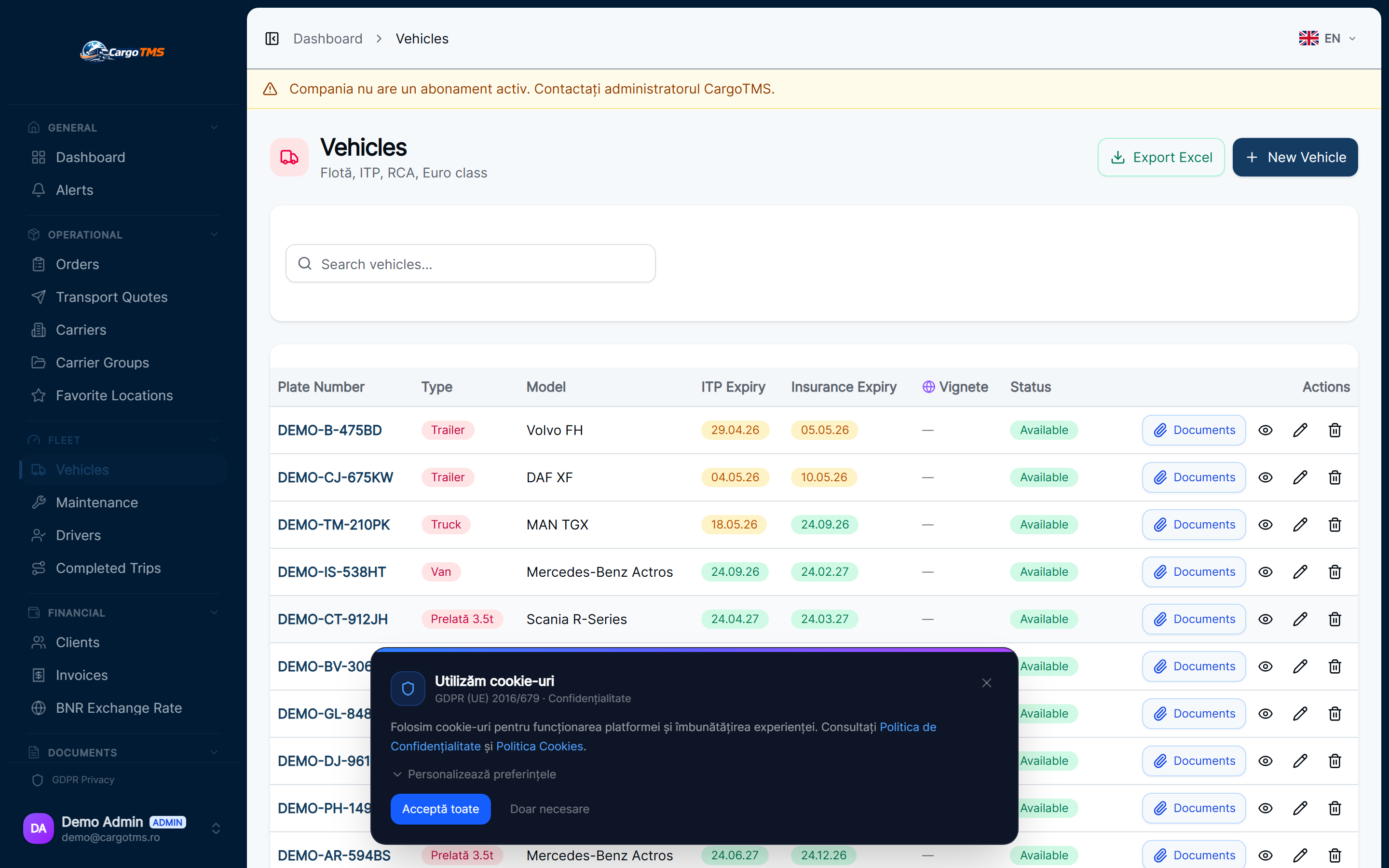
- Load plan linked to vehicle: capacity validation visible at assignment time.
- Driver receives structured load details through the Driver Portal — no verbal briefing required.
- Load documentation exportable for CMR preparation and client verification.
The Load Planner makes freight the structured core of each order — removing the verbal handoffs that cause confusion at loading docks and complicate document preparation.
Explore the feature:
See full feature details →
Want to see these features in action?
Request a free personalised demo. We'll walk you through the exact workflows relevant to your transport operations.
🚀 Request Free DemoNo commitment · No card required · Response within 24h