📱 Driver Portal

The Driver Portal That Eliminates Paper and Phone Calls

Drivers receive assignments, confirm pickups, upload CMR photos and log expenses from their phone. Dispatch sees everything in real time — no calls, no WhatsApp groups.

0
Phone calls needed
100%
Mobile-ready
Real-time
Status updates
📱 Driver Portal

The Driver Portal That Eliminates Paper and Phone Calls

Drivers receive assignments, confirm pickups, upload CMR photos and log expenses from their phone. Dispatch sees everything in real time — no calls, no WhatsApp groups.

Order Assignment & Confirmation

Drivers receive new orders directly on their phone. They confirm pickup and delivery with a single tap — the order status updates instantly for dispatch and clients.

CMR Photo Upload

Drivers photograph the signed CMR on delivery and upload it directly from their phone. The document is archived instantly under the order — no scanning, no email.

Driver Document Management

Store driving licence, ADR certificate, medical clearance and tachograph card per driver. Automatic alerts before any document expires.

Trip Expense Logging

Drivers log fuel costs, tolls, parking and other trip expenses from their phone. Complete accounting visibility without manual reconciliation.

Fuel Card Tracking

Assign fuel cards to drivers. Track usage, link to fuelings, and detect anomalies automatically when reported consumption doesn't match route distance.

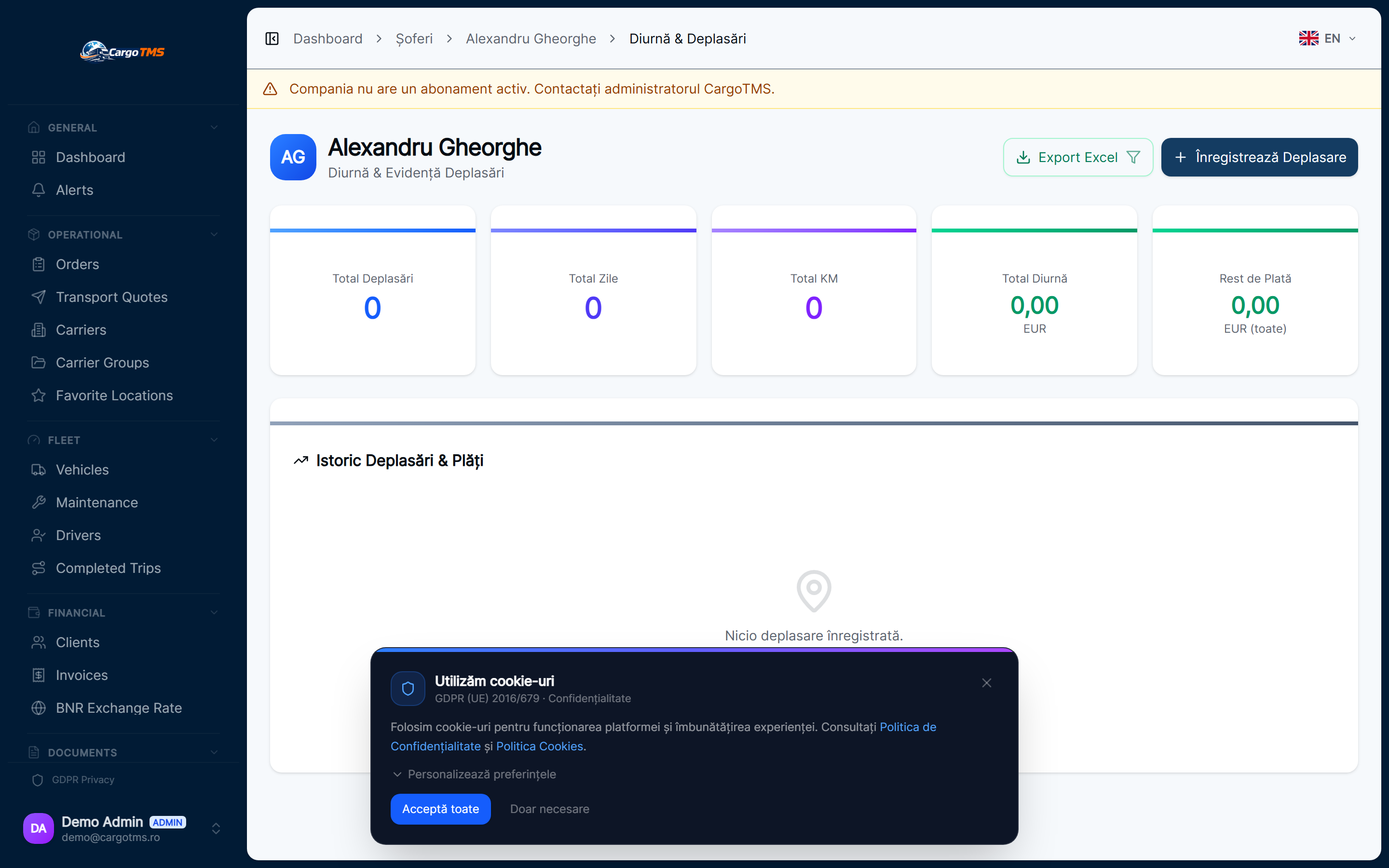
Daily Allowance Tracking

Track per diem, advances, and owed amounts per driver per trip. Full payroll visibility without extra spreadsheets.
How it works

The Driver Portal That Eliminates Paper and Phone Calls

01

Dispatch assigns the order

From the operations center, dispatch creates an order and assigns it to a driver. The driver receives an instant notification on their phone.

02

Driver confirms pickup

On arrival at the loading point, the driver taps "Confirm Pickup" in the app. The order status changes immediately — dispatch and client are notified.

03

Driver confirms delivery + uploads CMR

Upon delivery, the driver confirms and photographs the signed CMR. The document is archived under the order in seconds.

04

Manager sees the full trip

Expenses, documents, timestamps and status history are all visible in the trip record. No post-trip reconciliation needed.

Click to enlarge

Driver Portal

CargoTMS — Driver portal showing trip assignments and CMR upload interface
Driver trips view — assignments, status, CMR upload and expense tracking
CargoTMS — Driver portal showing trip assignments and CMR upload interface — detaliu
📱 Driver Portal

The Driver Portal That Eliminates Paper and Phone Calls

Drivers receive assignments, confirm pickups, upload CMR photos and log expenses from their phone. Dispatch sees everything in real time — no calls, no WhatsApp groups.

🚀 Request Free Demo
FAQ

Frequently Asked Questions

Does the driver portal require a separate app to install?
No. The CargoTMS Driver Portal is web-based and works in any mobile browser. Drivers don't need to install anything — they access it via a secure link.
What happens when a driver is offline?
Drivers can view their current assignments when offline. Confirmations and CMR uploads sync automatically when connectivity is restored.
How are driver trip expenses tracked?
Drivers log expenses directly in the portal (fuel, tolls, parking, advances). These flow automatically into the trip cost record, giving management full cost visibility per trip.
Can I track driver document expiry?
Yes. Driving licence, ADR certificate, medical clearance and tachograph card expiry are tracked per driver. CargoTMS sends automatic alerts before expiry — so you're always compliant.

See it in action

Request a free personalised demo. We'll walk you through the platform with your specific use case.

🚀 Request Free Demo 💳 View Pricing

No commitment · No card required · Response within 24h

Related Modules

📄 CMR Management 🚛 Fleet Management 📋 Order Management