International CMR: Generated Automatically, Straight From the Order
Every delivery stop on an order gets its own CMR document, generated automatically from the order data — no manual filling, no Word templates.
Modules updated:
order-management
driver-portal
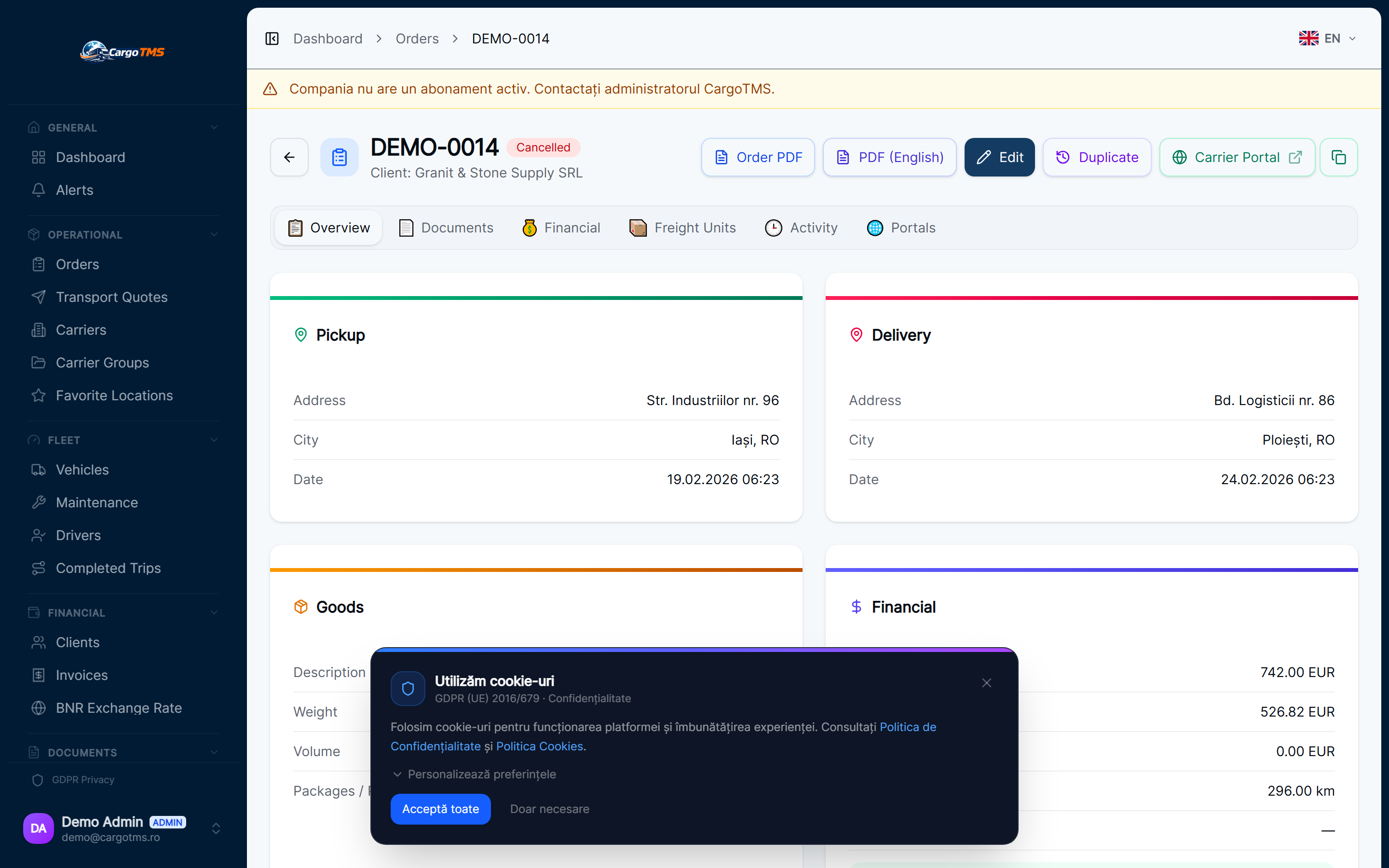
Filling out the CMR form by hand for every international run is one of the most repetitive tasks in dispatch — and one of the most error-prone once an order has more than one unloading point. This release generates the CMR document directly from the order data that already exists, per delivery stop, in the standard CMR Convention layout.
✅ What Changed
- CMR document generated automatically for every delivery stop — consignor, carrier, consignee and the relevant cargo filled from the order data.
- Dedicated CMR numbering, per company — independent from the order number and from the physical CMR number written manually on the load.
- Immutable versioning: every regeneration creates a new version, the old one stays untouched and available for audit.
- Supports orders with multiple unloading points — cargo is correctly assigned to each CMR, not just to the order as a whole.
- PDF generated in the standard CMR Convention layout — numbered boxes, carrier reservations section, signatures.
- Direct download from the order's Documents tab — no manual filling, no external templates.
The CMR is no longer a form filled out by hand at the loading dock — it's a correctly generated document, produced once, straight from the order data.
Explore the feature:
See full feature details →
Want to see these features in action?
Request a free personalised demo. We'll walk you through the exact workflows relevant to your transport operations.
🚀 Request Free DemoNo commitment · No card required · Response within 24h