🔍 The Core Challenges
- Document photos sent in chat are not linked to the relevant order — they require manual matching later.
- Departure and delivery confirmations are text messages — no structured timestamp, no formal record.
- Multiple dispatchers in one group create overlapping instructions that drivers must interpret.
- Document queries from clients require manual searching through weeks of chat history.
- When a driver changes phone, the history of their operational confirmations is difficult to retrieve.
- No escalation visibility: messages from 3am are indistinguishable from urgent dispatching instructions.
What WhatsApp Does Well — and Where It Stops
WhatsApp is genuinely useful for transport: instant, mobile-first, drivers already have it, and it works internationally. For a small fleet it provides an informal but effective communication layer. The problems begin when the volume of transactions outpaces the ability to manually track them. A group with 15 drivers generates dozens of messages daily — documents, confirmations, questions, and general conversation mixed without structure. Important information is reliably present somewhere in the group; the difficulty is knowing exactly where.
The Operational Record Problem
Transport companies are required to maintain accurate records: CMR documents, departure times, delivery confirmations, and sometimes fuel records. A WhatsApp group contains this information, but in a form that is not legally structured, difficult to audit, and dependent on individual message history that may not be preserved. When a client disputes a delivery time, or an audit requires documentation of a specific trip, the reconstruction process from chat logs is time-consuming and incomplete.
Structured Driver Workflow — How It Works in Practice
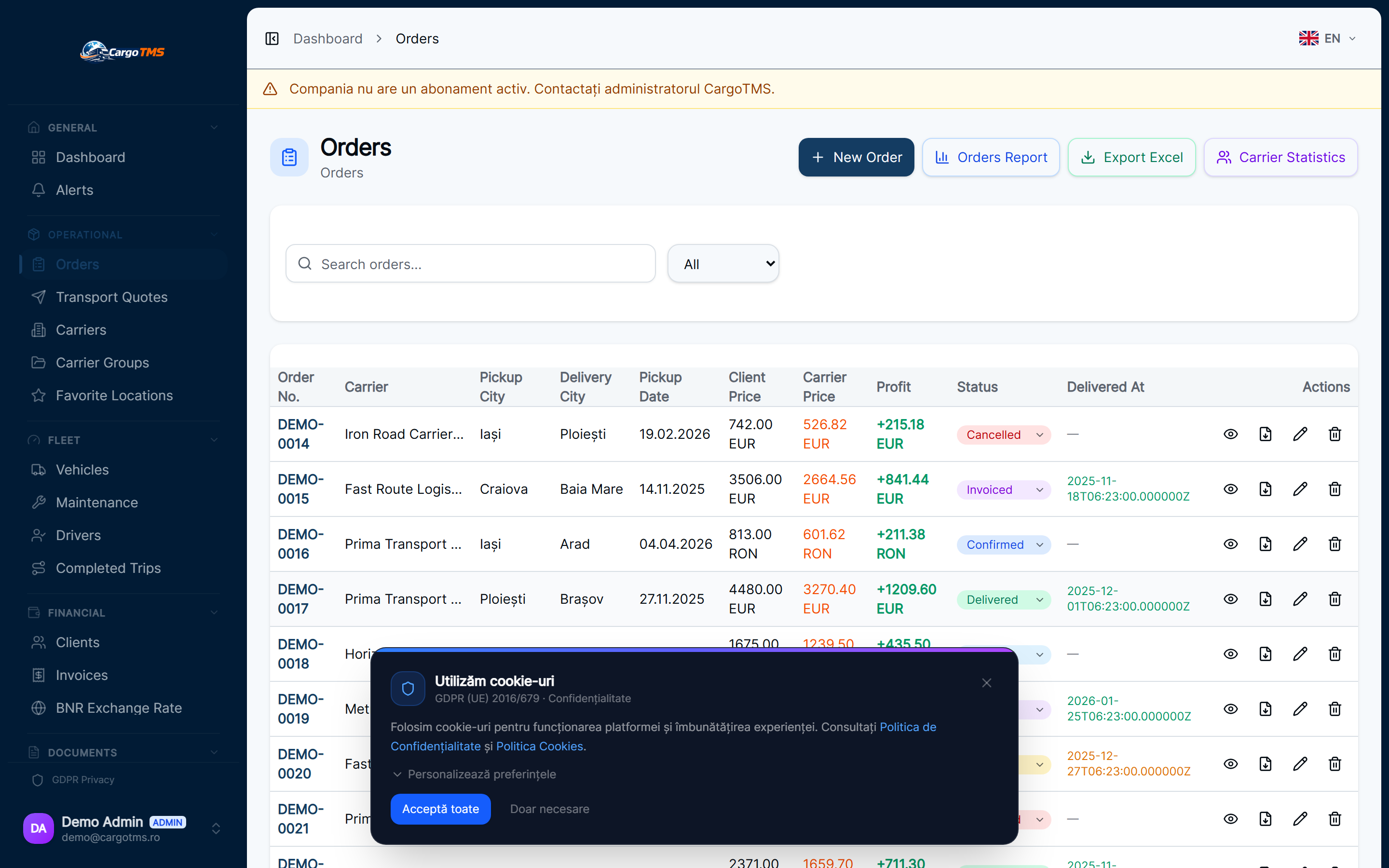
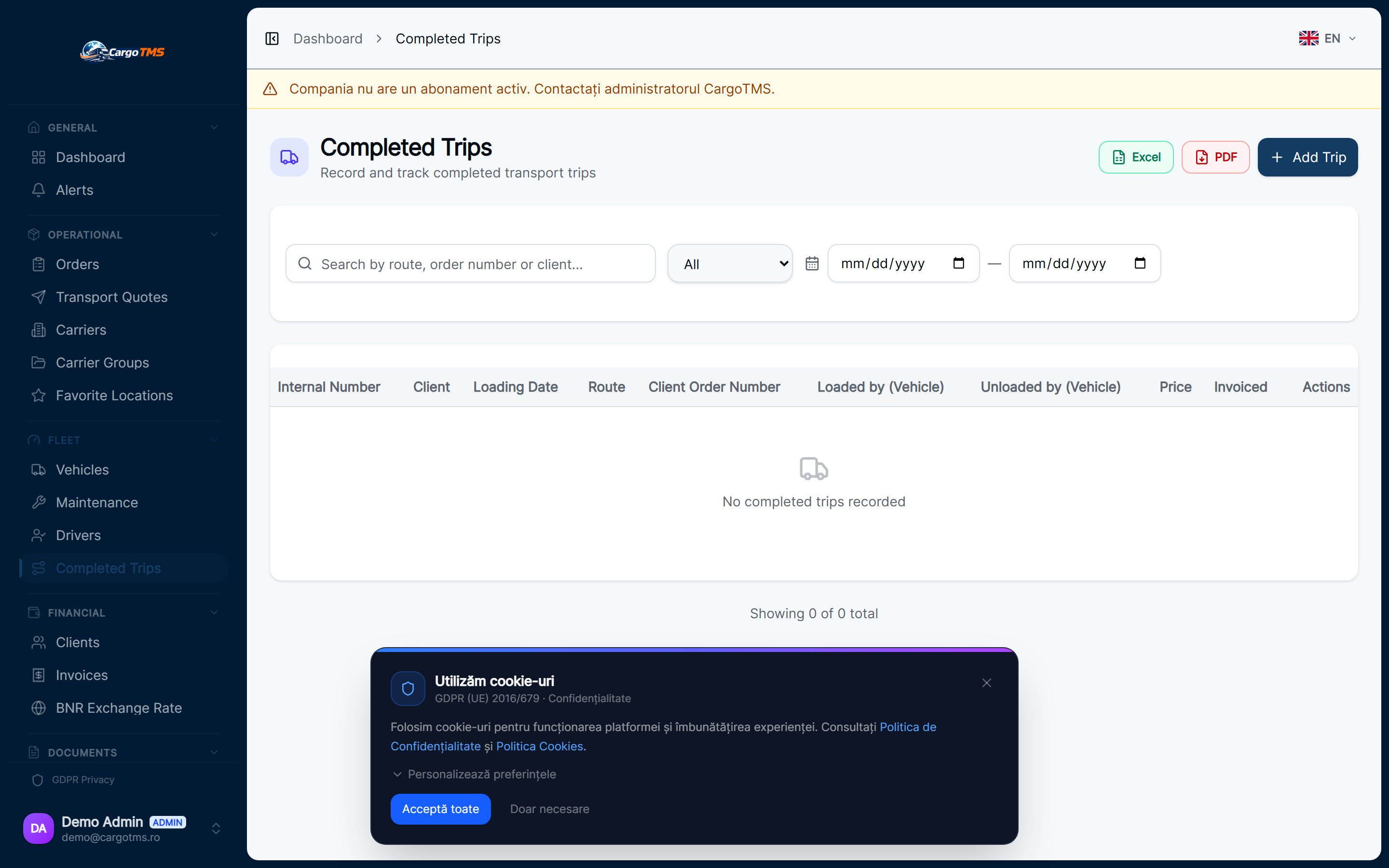
The Driver Portal in CargoTMS gives every driver a direct mobile interface for their active trip: confirm loading, record departure, photograph and upload the CMR, confirm delivery. Each action is timestamped and linked directly to the order in the system. The dispatcher sees these updates in real time on the Operations Center without looking at any messages. The CMR photo is already in the order record — available for the client or auditor without reconstruction.
📊 Side by Side
| Operational area | ❌ Without CargoTMS | ✅ With CargoTMS |
|---|---|---|
| Departure confirmation | "Left 👍" in group chat — no formal timestamp | Driver confirms via portal — timestamped, linked to order |
| CMR document submission | Photo sent in group — manually matched to order later | Uploaded in portal — automatically linked to order |
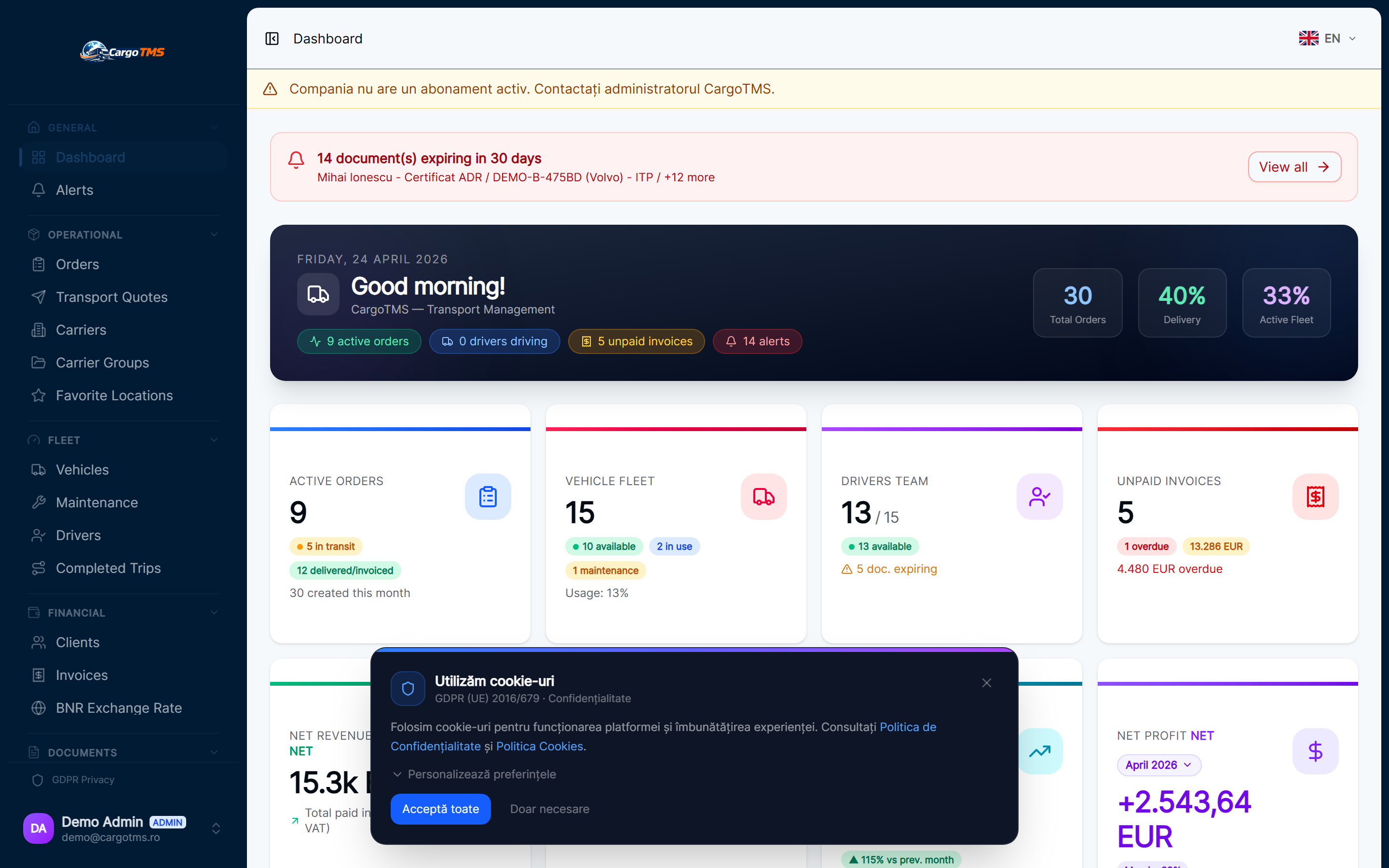
| Dispatcher visibility | Reading through chat messages continuously | Operations Center: all active order statuses at a glance |
| Client document queries | Search through weeks of chat history | Documents in order record — accessible immediately |
| After-hours events | Mix of urgent and non-urgent messages, no escalation | Structured actions — SLA alerts escalate, routine updates do not |
| Multi-dispatcher clarity | Overlapping instructions in shared group | Assignments and instructions per order — no ambiguity |
Frequently Asked Questions
See these workflows in CargoTMS
Request a free personalised demo — we'll show you the exact operational flow relevant to your company.
🚀 Request Free Demo