Fuel tracking in CargoTMS is built around the operational workflow rather than as a separate reporting module. Fuel events are recorded as part of normal operations, linked to the entities they belong to, and visible in context — alongside the trips and drivers they relate to.
Register Fuel Cards
Each driver's fuel card is registered in CargoTMS under the driver profile. Multiple cards per driver are supported. Cards are linked to the vehicle the driver operates, creating an automatic attribution chain for all future transactions.
Record Refueling Events
Refueling events are recorded with: the date and time, the vehicle, the driver, the quantity in litres, the total cost, and the odometer reading if available. This can be entered manually or imported from fuel card provider exports. Each event is automatically associated with the active trip for that driver.
Automatic Anomaly Detection
CargoTMS compares each refueling event against expected consumption for the route and vehicle type. Anomalies — unusually large refueling quantities, consumption rates that deviate significantly from historical averages, or transactions outside active trip periods — are flagged automatically for dispatcher review. No manual comparison is required.
View Cost Per Kilometre
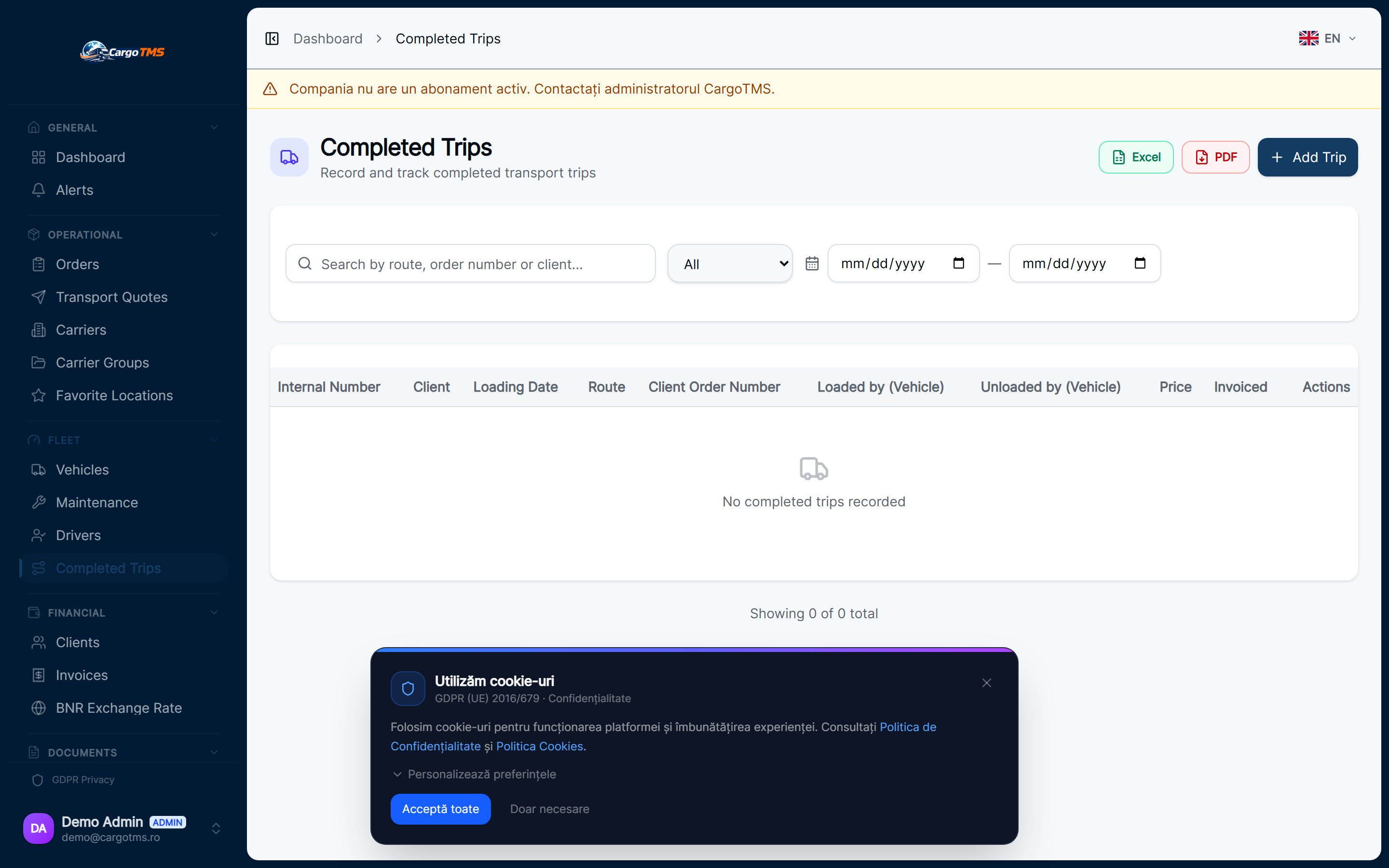
Once a trip is completed, CargoTMS calculates the actual cost-per-km for that trip based on the refueling events associated with it. This is visible in the executed trips view and in fleet reporting, allowing comparison across drivers, vehicles, and routes.
Review Fleet Fuel Reports
The fleet fuel report aggregates consumption data across the entire fleet for any selected period. It shows total fuel spend, average consumption per vehicle, anomaly counts, and cost-per-km trends — giving management a complete view of fleet fuel economics without any manual data collection.
📝 Good to know
- Fuel card data can be imported from CSV exports of most major fuel card providers — check with the CargoTMS team for your specific provider.
- Anomaly thresholds are configurable per vehicle type — set them based on your fleet's actual consumption characteristics.
- Cost-per-km calculations improve in accuracy over time as the system builds historical baselines for each vehicle.
help.faq_title
Can I import fuel data from my fuel card provider?
Yes. CargoTMS supports CSV import for fuel card data. The specific format depends on your provider — contact the CargoTMS team for import templates.
What triggers a fuel anomaly alert?
Anomalies are flagged when the recorded refueling amount exceeds the vehicle's expected consumption based on the trip distance, or when a transaction occurs outside the vehicle's active trip period.
Is fuel tracking linked to driver trip records?
Yes. Each fuel event is associated with the driver's active trip automatically. This means fuel costs appear in trip-level profitability calculations alongside other trip expenses.
See this workflow in action
Request a free personalised demo and we'll walk you through this exact workflow in your context.
🚀 Request Free Demo