The driver portal is the mobile interface of CargoTMS designed for drivers. It connects drivers to the operational system in real time, allowing them to receive orders, confirm key milestones, upload documents, and access their records directly from a smartphone — in any of the four supported languages.
Driver Receives Order Notification
When a dispatcher assigns an order to a driver in CargoTMS, the driver receives a notification on their phone. The notification contains all the information needed for the trip: loading address, delivery address, contact details, cargo specification, and any special instructions. No phone call or separate message is needed to communicate the order details.
Driver Confirms Loading
When the driver arrives at the loading point and the cargo is loaded, they confirm loading directly in the app. This updates the order status to "Loaded" in real time in CargoTMS, visible to the dispatcher and the client portal without any communication required between them.
Driver Confirms Delivery and Uploads CMR
At the delivery point, the driver confirms delivery in the app and photographs the signed CMR document. The photo is uploaded immediately and linked to the order. The order status updates to "Delivered" and the CMR appears in the document archive — all from one action by the driver.
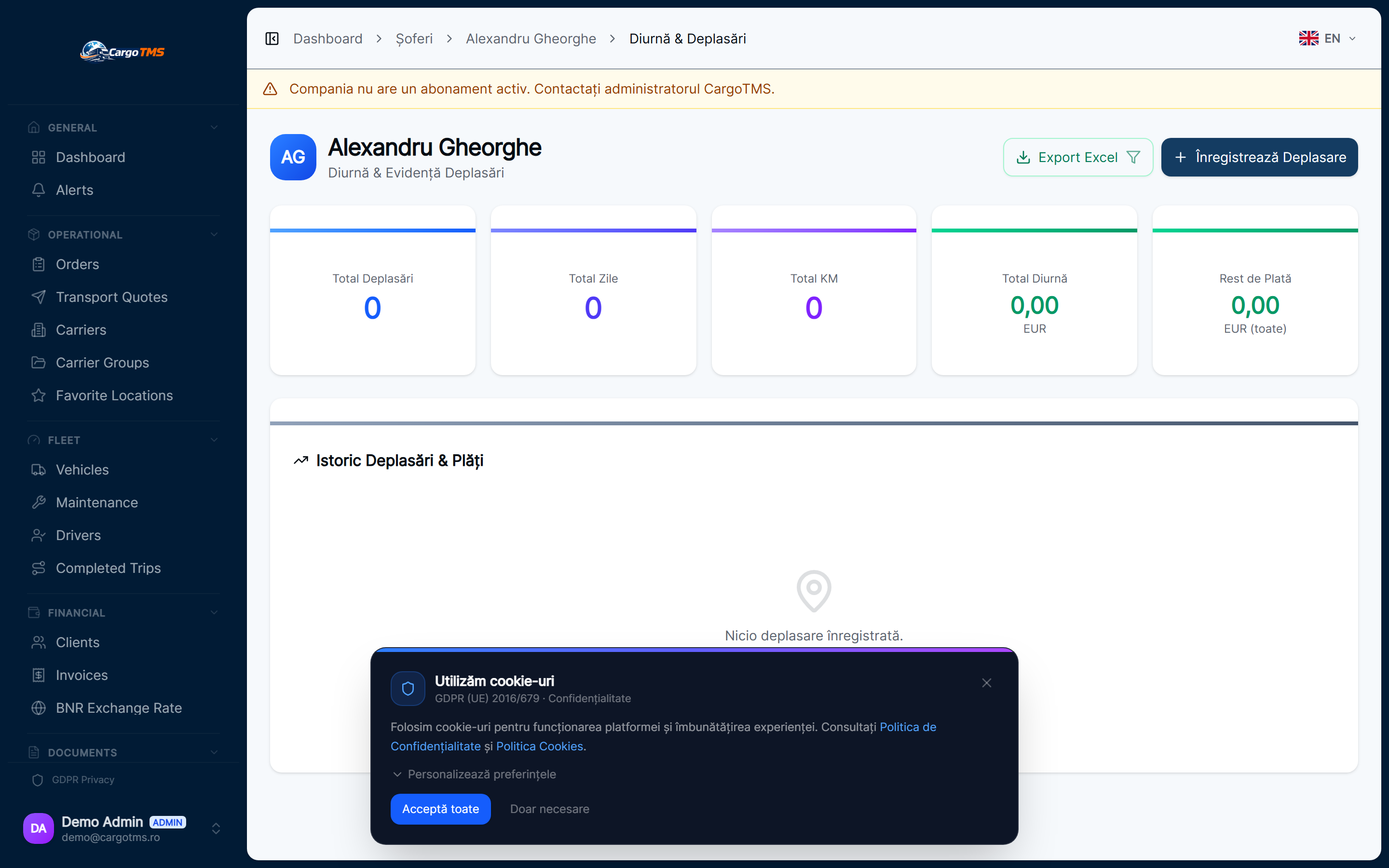
Driver Accesses Trip History and Payments
After trips are completed, drivers can view their trip history, associated expenses, and payment records in the portal. This provides a transparent view of their completed work and reduces queries about payments and trip details.
Driver Documents and Licences
Driver documents — licence, professional certificate, medical certificate — are stored in CargoTMS and linked to the driver profile. Drivers can see the status of their documents and when they expire. Dispatchers receive alerts before expiry, preventing operational disruptions from expired driver documents.
📝 Good to know
- The driver app is available in Romanian, English, Spanish, and Polish — the driver selects their preferred language on first use.
- Drivers only see their own orders and records — they do not have access to other drivers' data or company-wide operational data.
- The app works on any modern smartphone and does not require any special device configuration.
help.faq_title
Does the driver need to register for an account?
Yes. The company administrator creates a driver account in CargoTMS, and the driver receives credentials to access the portal and app. There's no self-registration — access is controlled by the company.
What documents can drivers upload?
Drivers can upload CMR photos as part of the delivery confirmation workflow. Document uploads for driver personal documents (licence renewals, etc.) are handled by the company admin.
Can drivers see the full order list or only their assigned orders?
Drivers only see their own assigned orders, past trips, and personal records. They do not have access to other drivers' data, company financials, or operational dashboards.
See this workflow in action
Request a free personalised demo and we'll walk you through this exact workflow in your context.
🚀 Request Free Demo