📄 CMR & Documents

Digital CMR Management — From Delivery to Archive in Seconds

Drivers photograph and upload the signed CMR on delivery. The document is archived under the order instantly. No scanning, no email attachments, no lost documents.

Instant
CMR upload
100%
Digitally archived
Zero
Lost documents
📄 CMR & Documents

Digital CMR Management — From Delivery to Archive in Seconds

Drivers photograph and upload the signed CMR on delivery. The document is archived under the order instantly. No scanning, no email attachments, no lost documents.

Mobile CMR Upload by Driver

Drivers photograph the signed CMR with their phone at delivery. The image uploads immediately to the order record — accessible to dispatch, accounting and clients.

Automatic Archive per Order

Every CMR is stored under its transport order automatically. Find any CMR in seconds by order number, client, carrier or date — no manual filing.

Multiple Document Types per Order

CMR, loading manifest, delivery confirmation, damage report — all document types are supported and stored per order with type labelling.

Delivery Confirmation Flow

CMR upload triggers automatic delivery confirmation: order status updates to "Delivered", client is notified, and the order enters the invoicing queue.

Client & Carrier Portal Access

Clients and carriers access their CMR documents through dedicated secure portals — no email requests, no manual forwarding.

Missing CMR Detection

CargoTMS flags orders where delivery was confirmed but the CMR document is still missing. Dispatch can follow up immediately — before the invoice is due.
How it works

Digital CMR Management — From Delivery to Archive in Seconds

01

Delivery happens

The driver completes the delivery and receives the signed CMR from the consignee.

02

CMR photographed & uploaded

Driver opens the portal on their phone, takes a photo of the CMR, and uploads it directly to the order. Takes under 30 seconds.

03

Order status updates automatically

Uploading the CMR triggers the delivery confirmation flow. Order status changes, client is notified, and the order is flagged as ready for invoicing.

04

Document accessible to all parties

The CMR is immediately visible in the order record, in accounting, and via the client/carrier portals — no manual distribution needed.

Click to enlarge

CMR Management

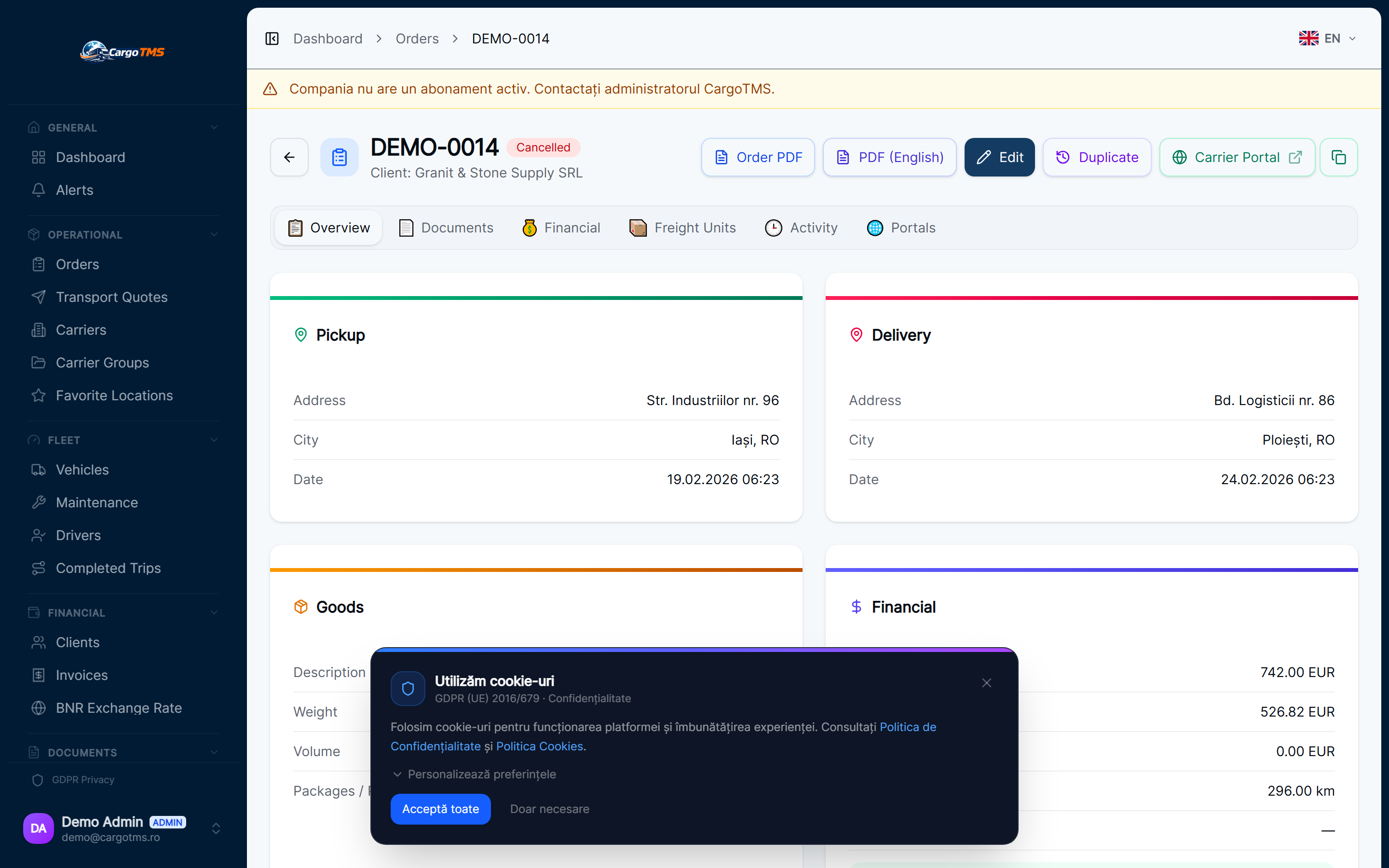
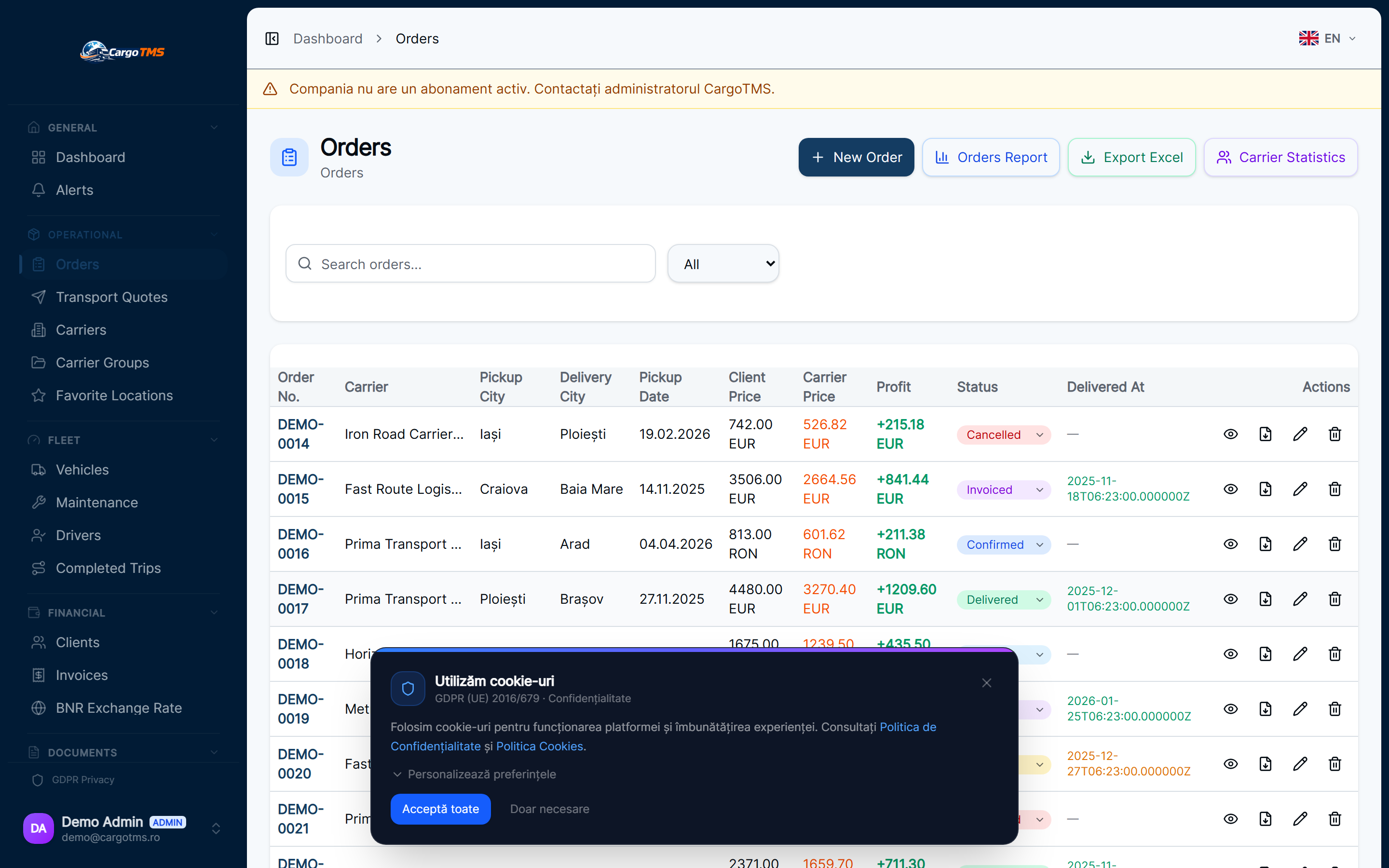
CargoTMS — Order detail view showing CMR document attached with delivery confirmation
Order detail — CMR document attached on delivery, visible to all authorized parties
CargoTMS — Order detail view showing CMR document attached with delivery confirmation — detaliu
📄 CMR & Documents

Digital CMR Management — From Delivery to Archive in Seconds

Drivers photograph and upload the signed CMR on delivery. The document is archived under the order instantly. No scanning, no email attachments, no lost documents.

🚀 Request Free Demo
FAQ

Frequently Asked Questions

What file formats are supported for CMR uploads?
Drivers can upload JPEG, PNG and PDF files from their phone. The system validates file type and size automatically. Multiple photos can be attached for multi-page documents.
How does the missing CMR detection work?
CargoTMS identifies orders where the status shows delivered but no CMR is attached. These appear in a dedicated alert list for dispatch to follow up with the driver or carrier.
Can clients download their own CMR documents?
Yes. Through the client portal, clients can access and download all CMR documents for their orders. This eliminates email requests and manual forwarding from your team.
Is the CMR archive searchable?
Yes. All documents are indexed by order number, client, carrier, date and document type. Searching for a specific CMR takes seconds regardless of archive size.

See it in action

Request a free personalised demo. We'll walk you through the platform with your specific use case.

🚀 Request Free Demo 💳 View Pricing

No commitment · No card required · Response within 24h

Related Modules

📋 Order Management 📱 Driver Portal 💰 Invoice Visibility