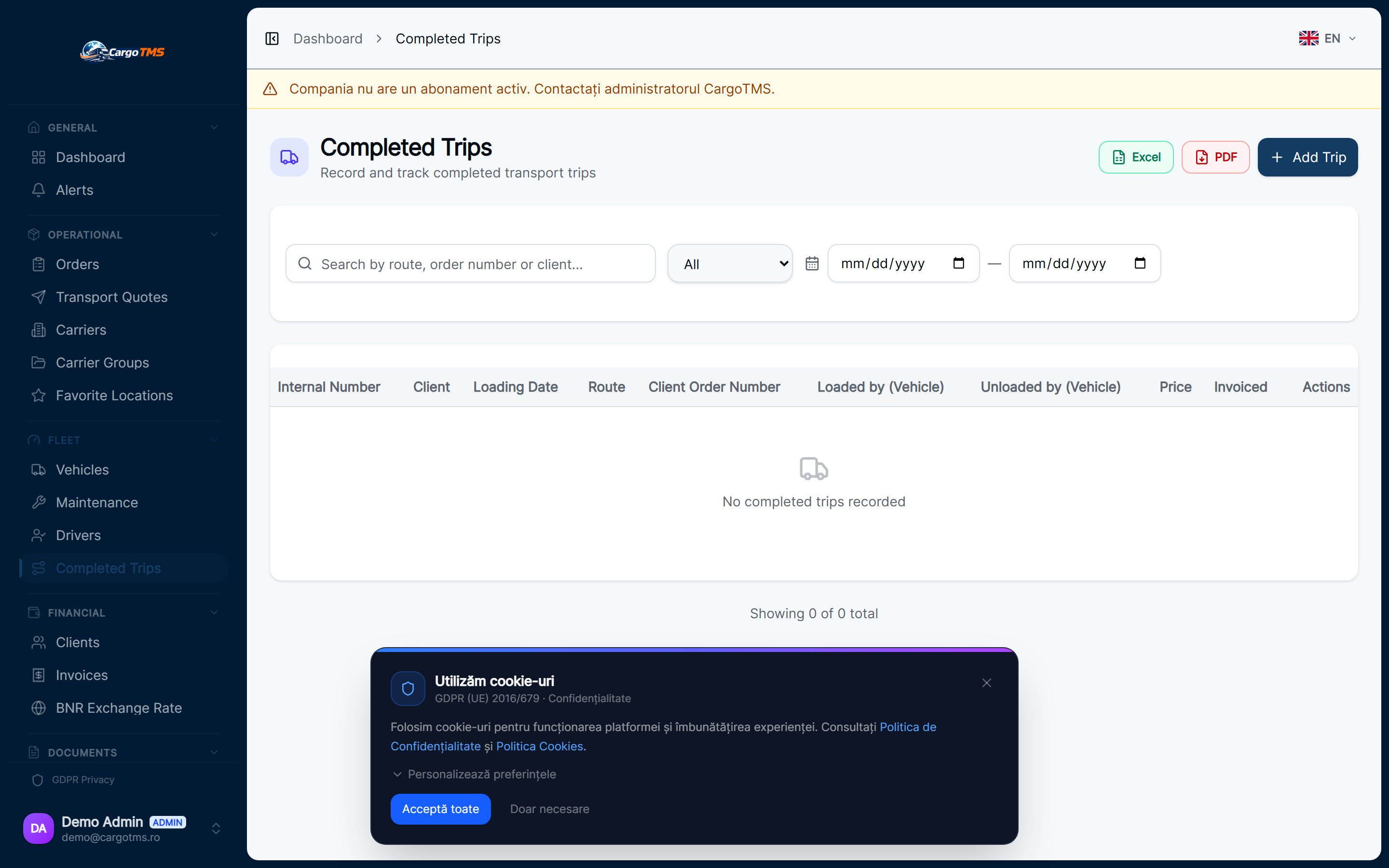
In CargoTMS, an "executed trip" is the post-delivery record of a completed order. Once a driver confirms delivery, the trip transitions from an operational order into an executed trip record — capturing the full cost picture of the run for settlement and reporting purposes.
Driver Confirms Delivery
When the driver confirms delivery in the CargoTMS Driver App, the order status changes to "Delivered". This triggers the transition from active order management to the executed trips workflow.
Record Fuel and Expenses
After delivery confirmation, fuel consumption and trip expenses (tolls, parking, overnight allowances, etc.) are recorded against the trip. These can be entered by the dispatcher or by the driver through the portal, and are attributed to the correct trip record.
Calculate Trip Cost
CargoTMS aggregates all recorded expenses for the trip — fuel, driver expenses, tolls — and calculates the total trip cost. When combined with the freight revenue from the order, this gives the actual margin for each completed trip.
Driver Settlement
Driver allowances and expense reimbursements are calculated and recorded in the settlement record. Drivers can view their settlement records in the portal, providing transparency about what has been calculated for payment.
Archive Documents and Close Trip
Once all expenses are recorded and the CMR is uploaded, the trip is ready to close. All associated documents are archived in the order record, accessible for future reference, audit, or dispute resolution.
📝 Good to know
- Executed trip data feeds directly into the fleet analytics reports — trip profitability trends are visible at vehicle and driver level.
- Driver expense records are accessible per driver, providing a clear history of all completed runs and settled amounts.
- Executed trips are the foundation for route profitability analysis — the more consistently expenses are recorded, the more accurate the analysis.
help.faq_title
What is the difference between an "order" and an "executed trip"?
An order represents the active operational record — from creation through to delivery. An executed trip is the post-delivery record that captures the full financial cost of the completed run. The order becomes the executed trip when delivery is confirmed.
Can drivers add their own expenses?
Yes. Drivers can record trip expenses through the driver portal, which are then visible to dispatchers in the executed trips view. Expenses require dispatcher review and approval before they are reflected in settlement calculations.
How is trip profitability calculated?
Trip profitability is calculated as the freight revenue from the order minus the total recorded trip costs (fuel, driver expenses, tolls). This gives the gross margin per trip, visible in the executed trips view and fleet reports.
See this workflow in action
Request a free personalised demo and we'll walk you through this exact workflow in your context.
🚀 Request Free Demo