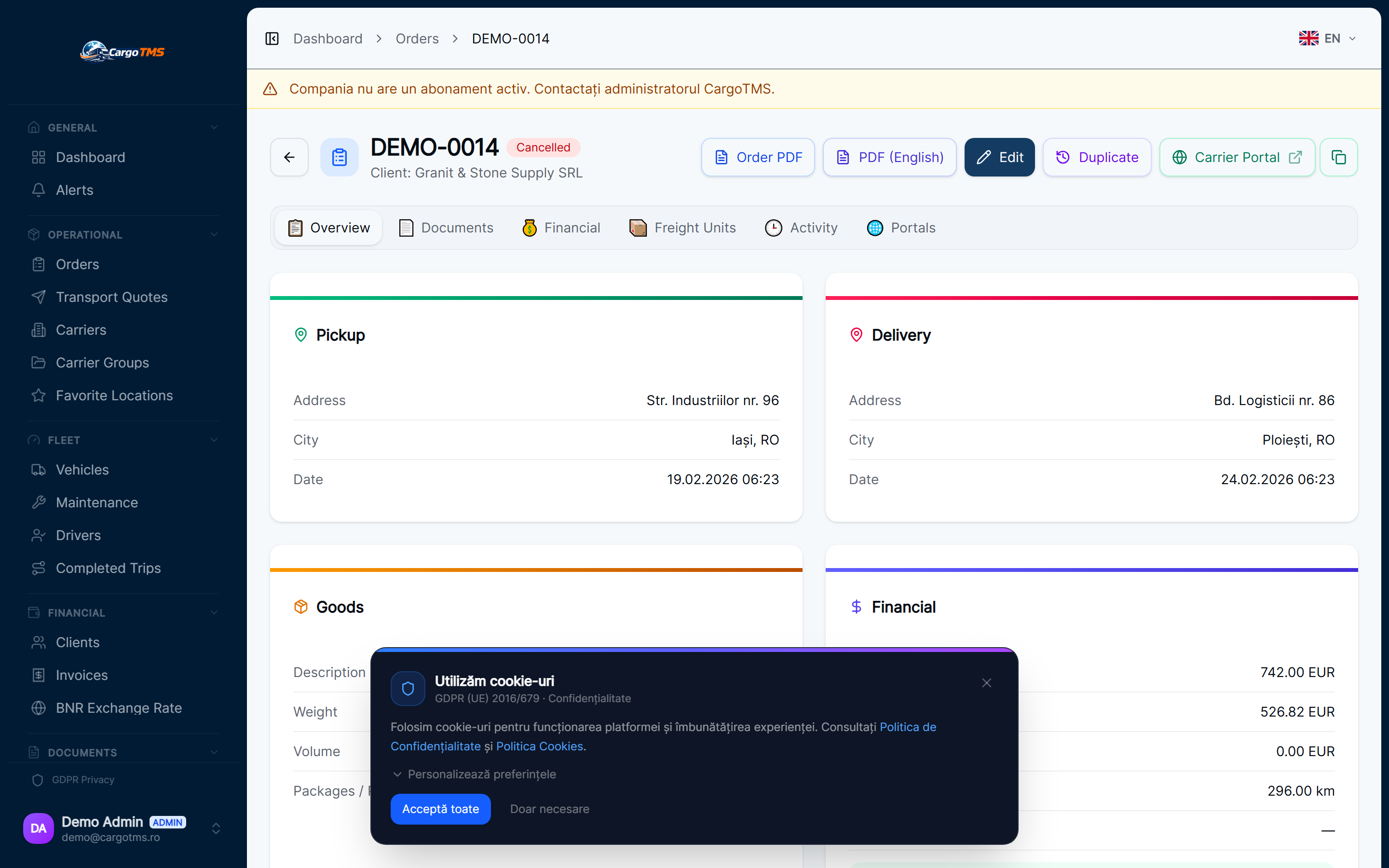
The consignment note (CMR) is the foundational document of European road freight. It proves pick-up, confirms delivery, and anchors the invoice. Yet in many transport operations, CMR collection is the weakest link — drivers forget to scan, dispatchers chase via WhatsApp, and invoicing is delayed while the office waits for paperwork. This isn't a driver discipline problem: it's a process problem, and it has a systematic solution.
The Real Cost of Missing CMRs
Each missing CMR has a direct and indirect cost. Directly: invoices can't be issued without delivery confirmation, tying up cash flow that the business needs. Indirectly: dispatcher time spent chasing documents, the risk of disputes when delivery is questioned without a signed CMR, and the administrative overhead of reconciling incomplete document archives at audit time. For an operation running 50+ trips per month, even a 10% document gap creates significant weekly overhead.
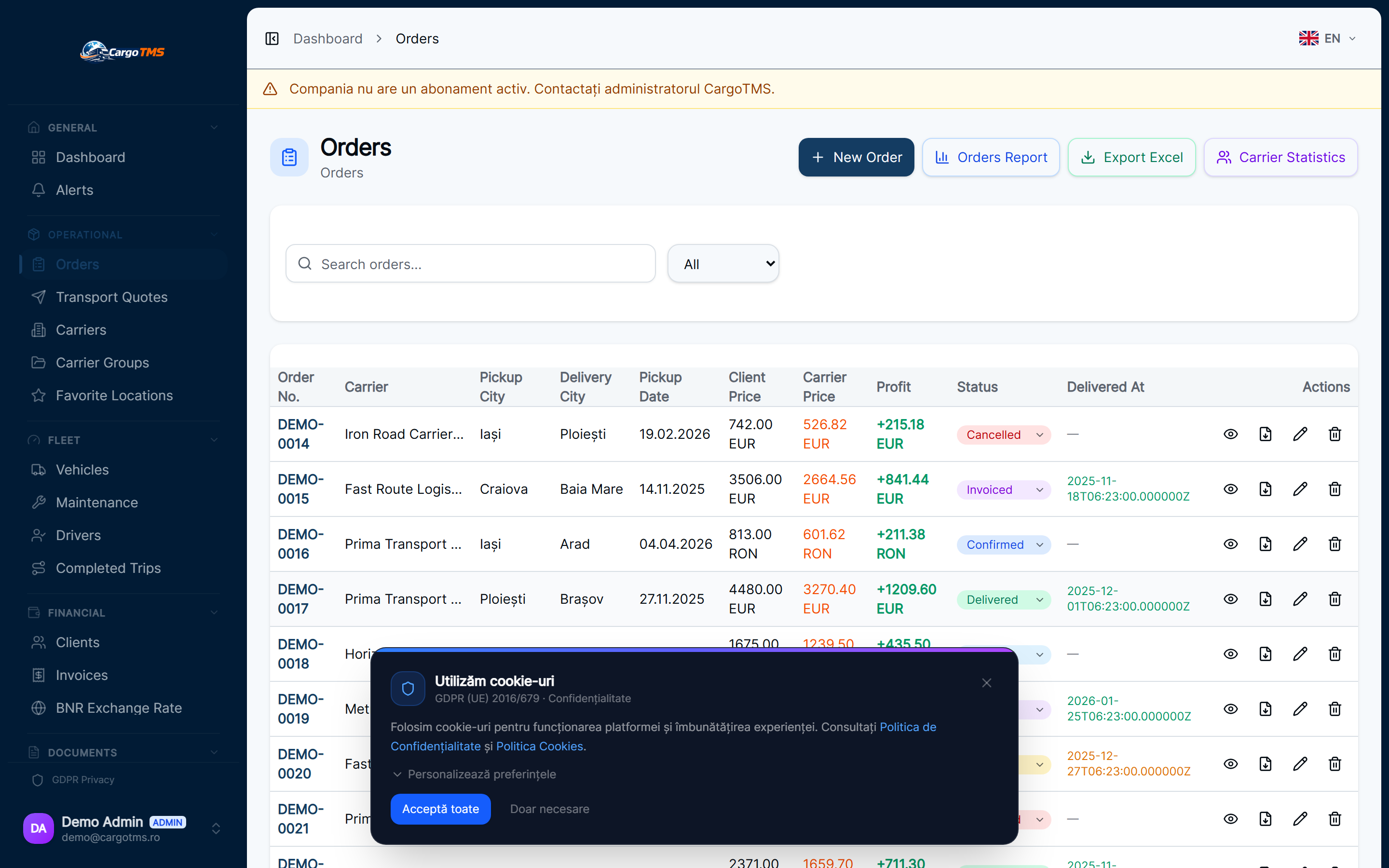
How Digital CMR Collection Works in CargoTMS
CargoTMS turns CMR collection into part of the standard delivery confirmation workflow. When a driver confirms delivery through the Driver App, they're prompted to upload CMR photos directly from their phone. The photos are linked instantly to the correct order, visible to dispatchers and the client portal without any manual filing. There's no separate email, no WhatsApp message, no waiting for the driver to return to the depot — the document exists in the system as soon as the delivery is confirmed.
Automatic Alerts for Missing Documents
CargoTMS monitors document completeness automatically. When an order is marked as delivered without a linked CMR, the system raises an alert — not a silent database flag, but a visible notification that dispatchers see in their order workflow. This means missing documents are caught at completion time, not discovered days later during invoicing. The alert lifecycle tracks whether the document has been received or is still outstanding, giving the office a clear view of the documentation backlog at any point.
Building a Clean Document Archive
Beyond individual trips, consistent CMR collection builds a long-term operational asset. A complete, searchable document archive reduces risk in customer disputes, simplifies audit preparation, and makes it possible to issue invoices confidently. In CargoTMS, all uploaded CMRs are stored against the order and accessible to authorised users including the client portal — meaning clients can confirm receipt themselves without calling the office.
💡 Conclusiones Clave
- Make CMR upload a required step in your delivery confirmation flow — don't leave it as optional.
- Enable document alerts so dispatchers see outstanding CMRs as part of their daily order workflow.
- Train drivers on the upload process during onboarding — it takes less than 60 seconds per delivery.
- Give clients access to their CMRs through the portal — it reduces "where's my document?" calls significantly.
- Review the document completeness dashboard weekly to catch any systematic gaps in specific routes or drivers.
Missing CMRs are a symptom of an unstructured document workflow, not a driver behaviour problem. When collection is integrated into the delivery confirmation process and alerts surface gaps automatically, document completeness improves dramatically — and the invoicing delays and disputes that follow from missing papers disappear.
Preguntas Frecuentes
Can drivers upload CMR photos from any smartphone?
Yes. The CargoTMS Driver App works on any modern smartphone (iOS and Android) without requiring any specific device or hardware. Drivers photograph the signed CMR and upload it directly from the delivery location.
What happens if a driver forgets to upload at delivery?
CargoTMS raises a document alert that dispatchers see in the order list. The driver can upload retroactively from their app, and the document is linked to the correct order regardless of when it's submitted.
Can I give clients access to their CMR documents?
Yes. Clients with portal access can view and download their CMR documents directly. This eliminates a common source of repetitive document requests and speeds up the invoicing confirmation cycle.
How are uploaded CMR photos stored?
All uploaded documents are stored securely linked to the order record. They're accessible by your team in the order detail view and by the client in their portal — with access controlled by your company's user permissions.
¿Quieres ver esto en CargoTMS?
Solicita una demo gratuita personalizada. Te mostramos exactamente el flujo de trabajo descrito en este artículo.
🚀 Solicitar Demo Gratuito